עברית · Hebrew
Whisper large-v3 turbo fine-tuned by ivrit.ai on thousands of hours of Knesset and crowd-sourced Hebrew speech.
Meeting notes in the languages most transcription tools skip: Catalan, Basque, Welsh, Hebrew, Thai, Tamil, Norwegian and 100+ more. Record a meeting from the menu bar — or drop a recording into a folder — and get a clean Markdown note back, transcribed on your Mac by default.
Most meeting-note apps stop at English and a handful of big European languages. Distavo's built-in engines cover 100+, including languages Apple's own dictation and Apple Intelligence don't touch.
Fast engine, 25 European languages Български Hrvatski Čeština Dansk Nederlands English Eesti Suomi Français Deutsch Ελληνικά Magyar Italiano Latviešu Lietuvių Malti Polski Português Română Русский Slovenčina Slovenščina Español Svenska Українська
The four languages above use two Barcelona Supercomputing Center models (Projecte AINA) and need a Mac with 16 GB memory or more. Apple's built-in dictation and Apple Intelligence do not support Catalan; Distavo does, entirely on your Mac. Anything else goes to Whisper, which covers 99 languages.
Beyond Catalan, Basque, Galego and the Fast engine's 25 languages, Distavo ships optional community fine-tunes for languages the stock Whisper model handles poorly. Free to download, off until you switch them on in Settings.
Whisper large-v3 turbo fine-tuned by ivrit.ai on thousands of hours of Knesset and crowd-sourced Hebrew speech.
Thonburian Whisper, fine-tuned on Thai speech — 6.6% word error rate on Common Voice.
Fine-tuned at IIT Madras's Speech Lab on Tamil speech, with cleaner script output than the stock model.
Fine-tuned by Bangor University's Language Technologies Unit on Welsh and Welsh–English speech.
NB-Whisper (verbatim), from the National Library of Norway. Covers both written standards.
Every pack is Apache-2.0 or similarly open, hosted for free, and downloads only after you enable it in Settings → Transcription.
Distavo records or watches, converts locally, transcribes on your Mac — Catalan and Spanish with two built-in Barcelona Supercomputing Center models, a Fast engine for 25 European languages, Whisper for the rest, or a WhisperX server you run — summarises with your Ollama model, validates, and writes notes locally. No vendor cloud at any step.
The built-in recorder (macOS 14.4+) captures system audio and your microphone into the watched folder. No virtual audio drivers, nothing extra to install.
Point Distavo at a local, iCloud Drive, or Google Drive folder. When a recording finishes syncing, Distavo processes it once.
The built-in engines transcribe and separate speakers on-device (Apple Silicon): Catalan and Spanish via two Barcelona Supercomputing Center models, a Fast engine for 25 European languages, Whisper for everything else, and opt-in packs for Hebrew, Thai, Tamil, Welsh and Norwegian — Automatic mode picks the right one for you. Prefer your own hardware? Point Distavo at your WhisperX server instead.
The cleaned transcript goes to your Ollama server, then Distavo writes a structured note to your notes folder.
Distavo can turn recordings into notes, but it cannot decide whether a meeting should be recorded, shared, stored, or used as evidence. Treat recording law, privacy law, workplace rules, and court procedure as separate questions.
Some places allow one participant to record. Others require everyone on the call or in the room to agree. Cross-border calls can make this more complex.
Even when recording is allowed, later transcription, sharing, workplace use, or data retention may need a lawful basis, notice, policy, or explicit consent.
A recording that was lawful to make may still be challenged, excluded, limited, or require permission before it can be used in a trial, grievance, or regulated process.
Distavo records Mac meetings itself on macOS 14.4+. For phone-first capture or anything else, any recorder that can save or export audio into your watched folder fits the workflow. Prefer tools that are open source, export ordinary audio files, and work offline when possible.
GPLv3 notes and AI voice transcription app. Good when you want voice notes, imported-audio transcription, export, and phone-first capture before moving files to your Distavo folder.
Open-source, ad-free recorder for simple voice capture. Useful when you want a minimal phone recorder and will let Distavo do the transcription and summarisation later.
Basic GPLv3 sound recorder with straightforward recording management and high-quality recording defaults.
Apache-licensed recorder that can create M4A or WAV files, tune sample rate and bitrate, and share or import recordings.
Free, open-source option for screen, window, microphone, and system-audio capture when you need more than a voice memo.
Free, open-source audio recorder and editor for cleaning, trimming, converting, or exporting recordings before Distavo processes them.
The App Store build is sandboxed and uses security-scoped bookmarks for folders. Direct and Setapp builds keep the same core pipeline with edition-specific distribution behavior.
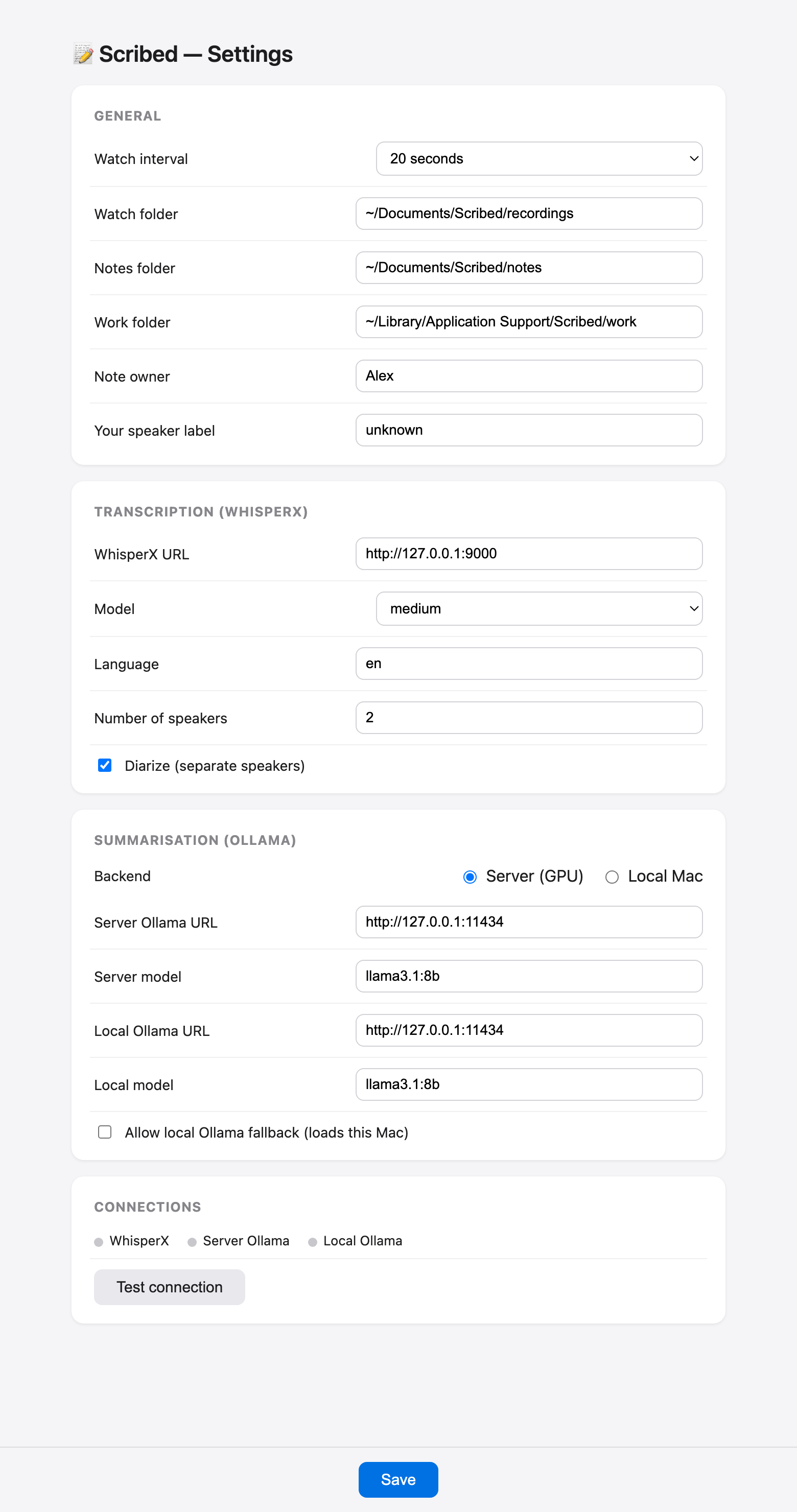
Pick the built-in transcription model that fits your Mac — or your own server URLs — plus folders, speaker options, and local fallback, all from the Mac settings window. The app has no telemetry and no phone-home.
Read the privacy policy
On the Mac App Store it is $29 — one time, no subscription, every future update included. Coming to Setapp once the first submission clears review. Distavo is MIT-licensed, so if you'd rather read the source, build it yourself, or run the free direct build, it's all on GitHub — paying on the App Store buys convenience, updates and support, not permission.